Workout logging
Log workouts clearly and consistently, then review exercise history and progress.
Available on Google Play and the App Store
Workout and nutrition tracking in one practical app for Android and iPhone.
Log training, nutrition, hydration, body weight, and progress with local-first storage. No account is required for core use, and useful core features are not locked behind a subscription.
Core features
Ironlytics keeps the main parts of training in one practical app without turning daily logging into a project.
Log workouts clearly and consistently, then review exercise history and progress.
Build reusable templates, follow planned sessions, and keep repeated training easy to manage.
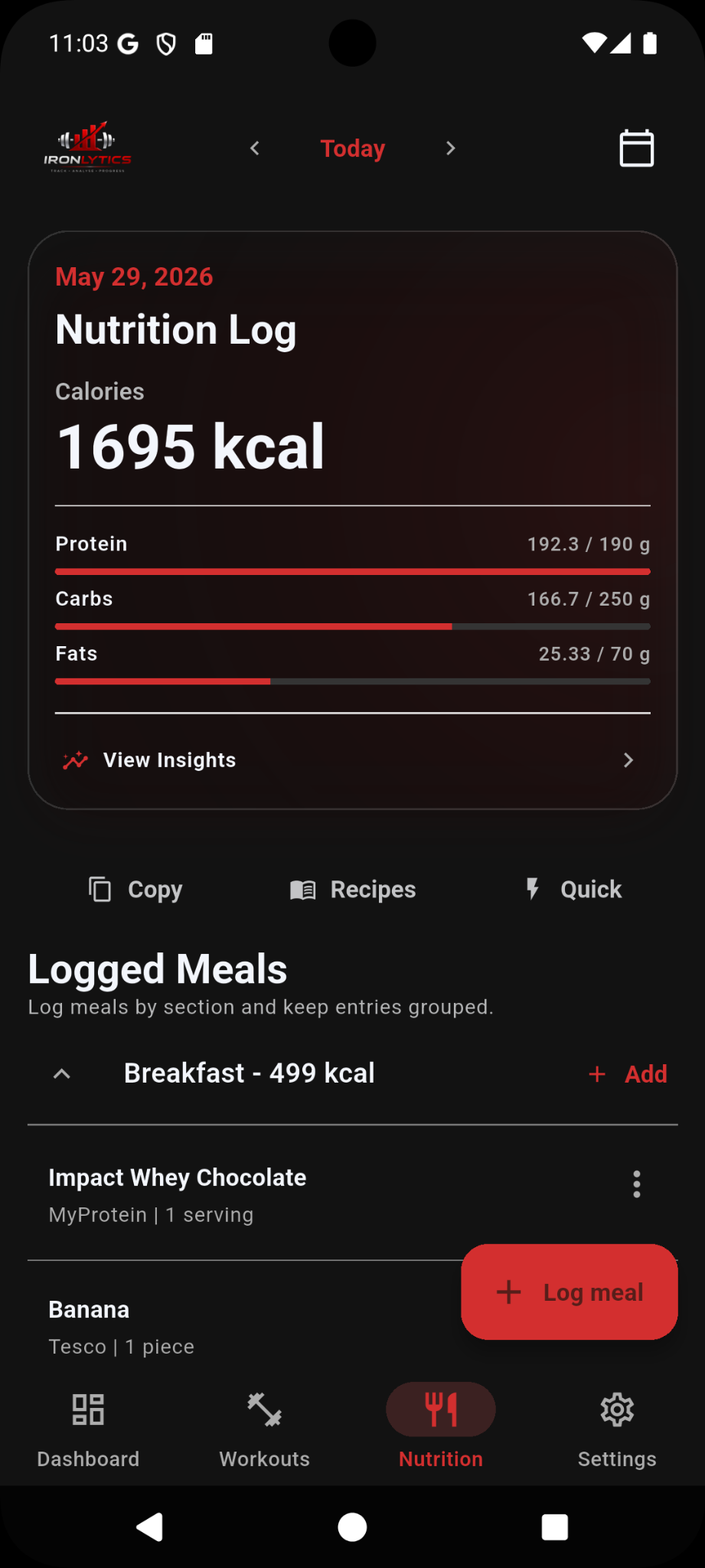
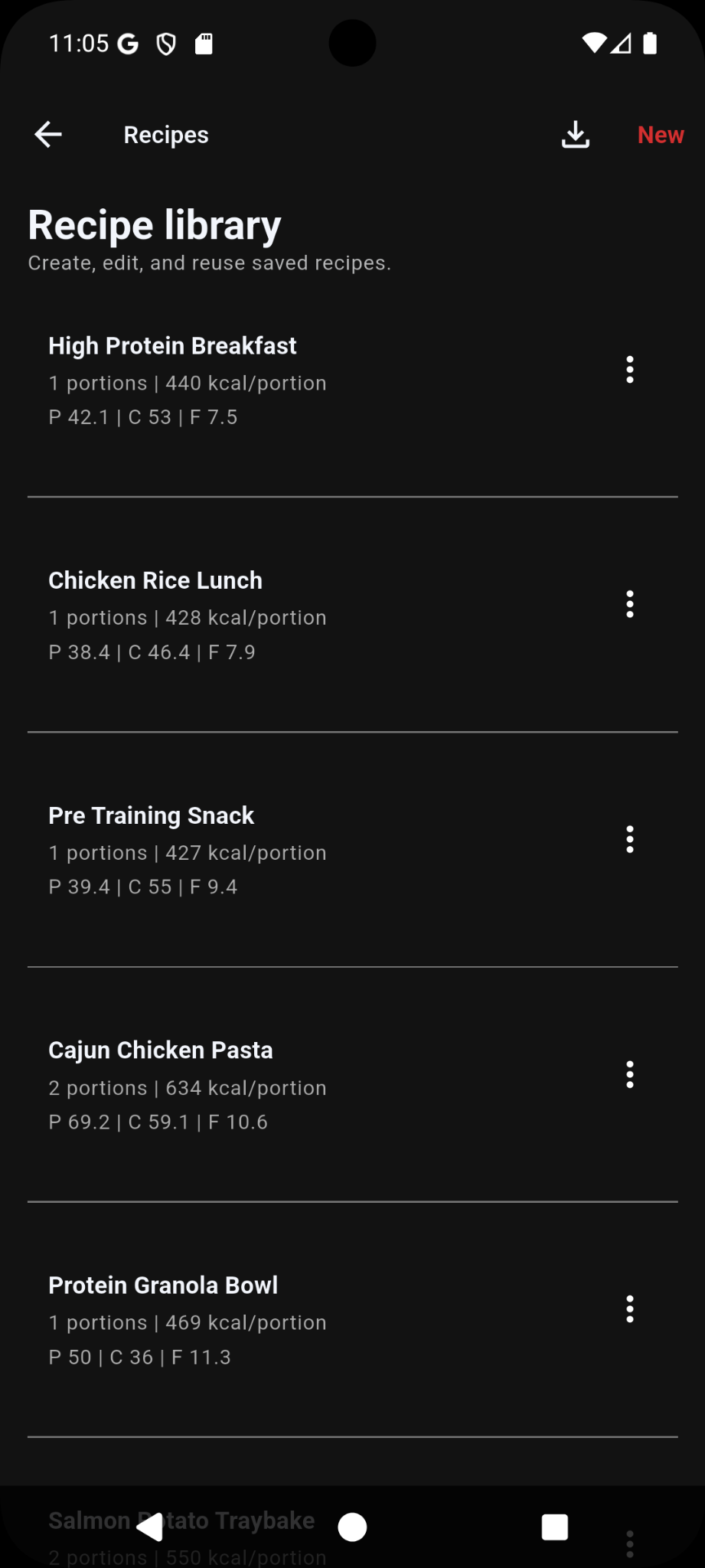
Log meals, calories and macros, saved foods, recipes, barcode scans, and hydration.
Use dashboard views, strength snapshots, body weight, and training history to review patterns over time.
Connect supported activity data through Health Connect on Android or Apple Health on iPhone when you choose to enable it.
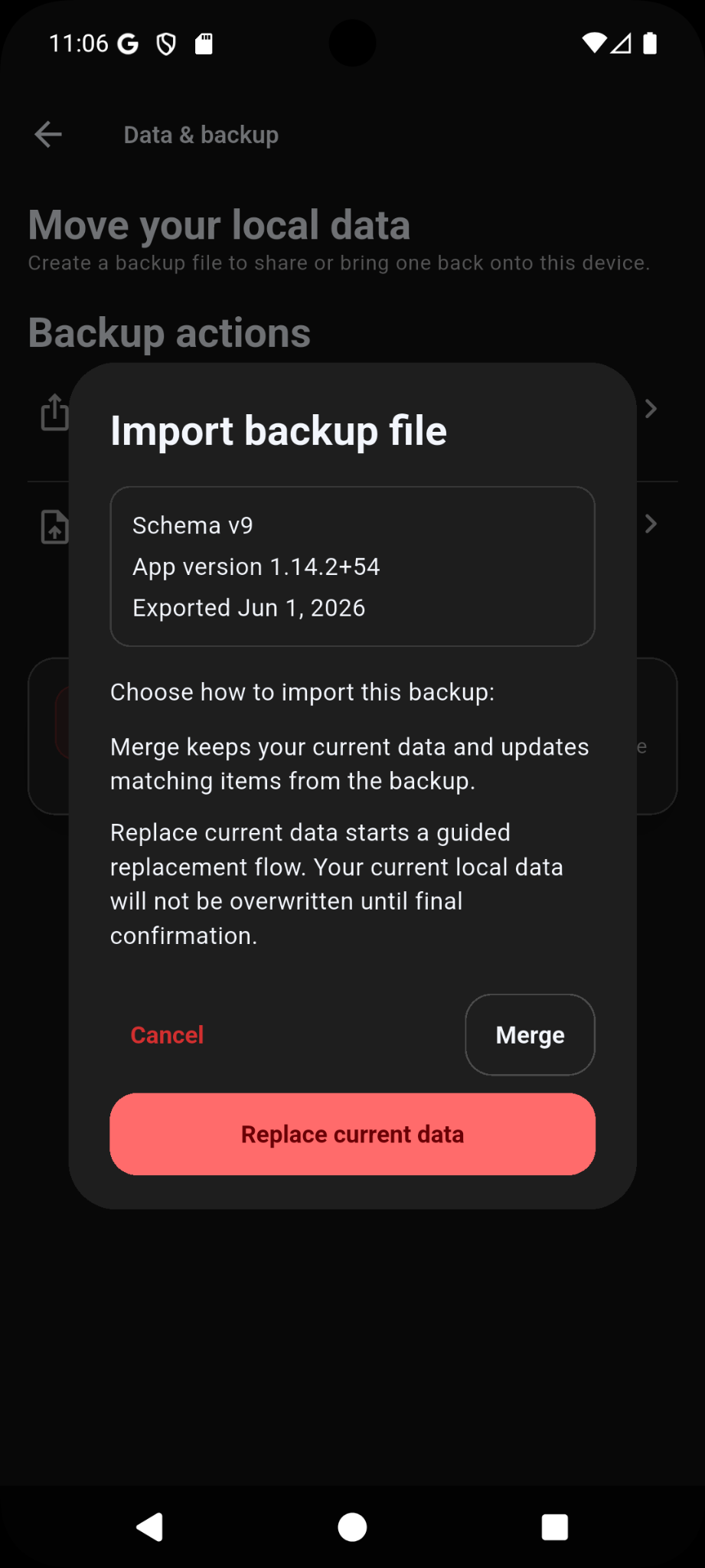
Export local backups, import them later, and choose merge or replace restore flows.
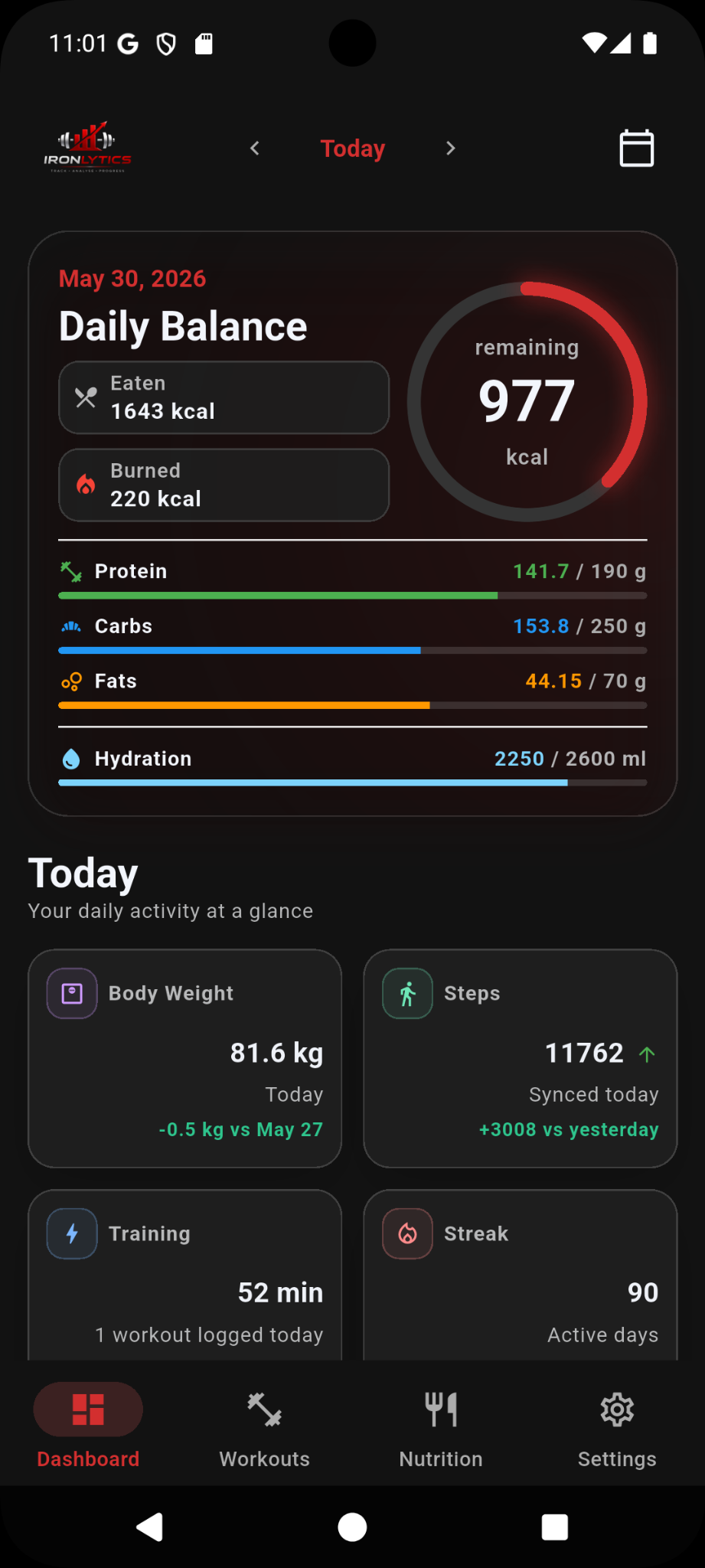
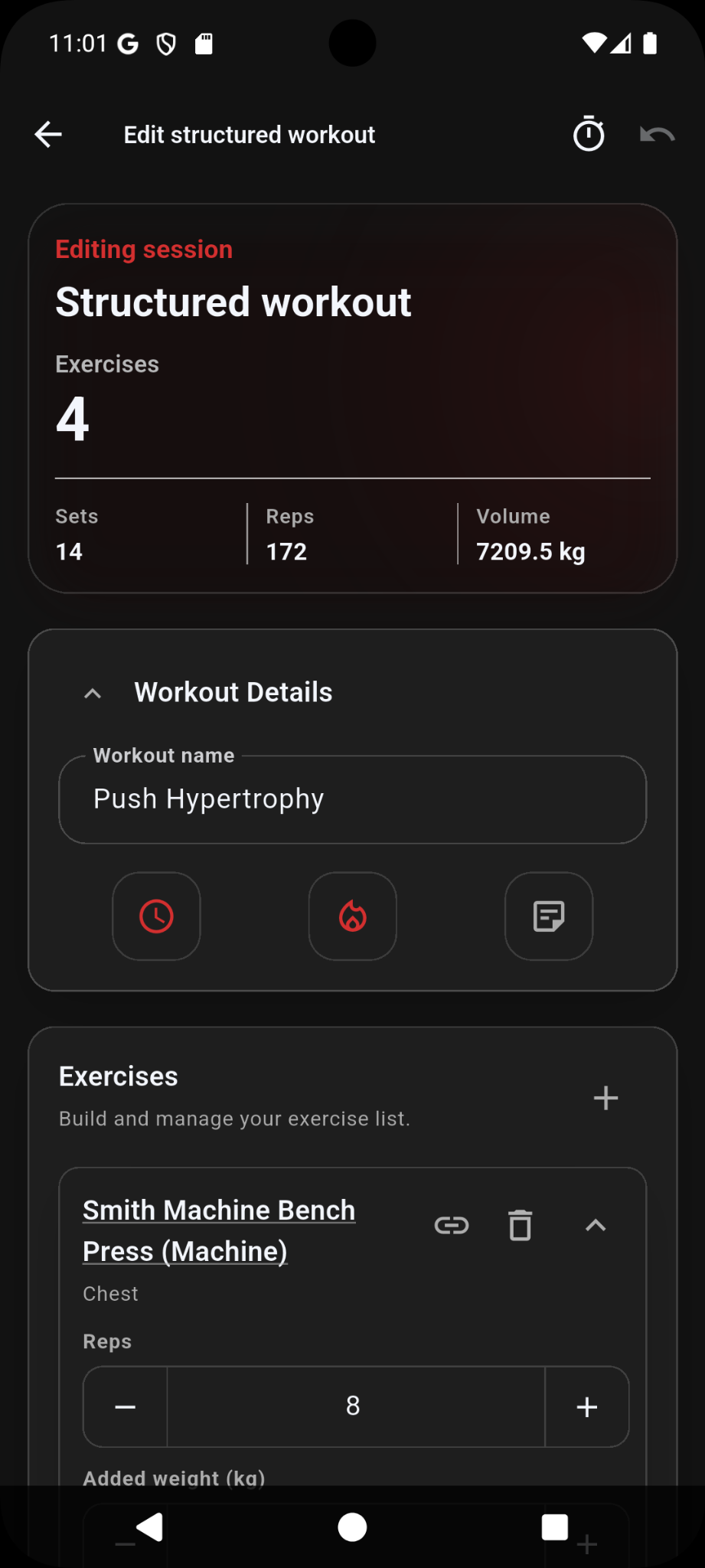
App screenshots
Current app screens across dashboard, workouts, nutrition, recipes, and backup tools.
Exercise guidance
Core workout and nutrition tracking remains available without a subscription. The optional Premium Guidance Pack is a one-time purchase that unlocks expanded exercise guidance.
Exercise guidance is provided for general fitness information only. Train within your ability and seek professional advice where needed.
Privacy and control
Ironlytics is built around local-first app data and user-controlled export, import, and sync choices.
Your workout, nutrition, settings, and progress data are stored locally on your device.
Create backup files and restore them later when changing device or recovering app data.
Health integration is optional and only used after you grant access on Android or iPhone.
Android and iPhone
Start logging workouts, nutrition, and progress on Android or iPhone.